
Guides · 6 November 2026
Phone stolen? What to do in the first hour (UK guide)
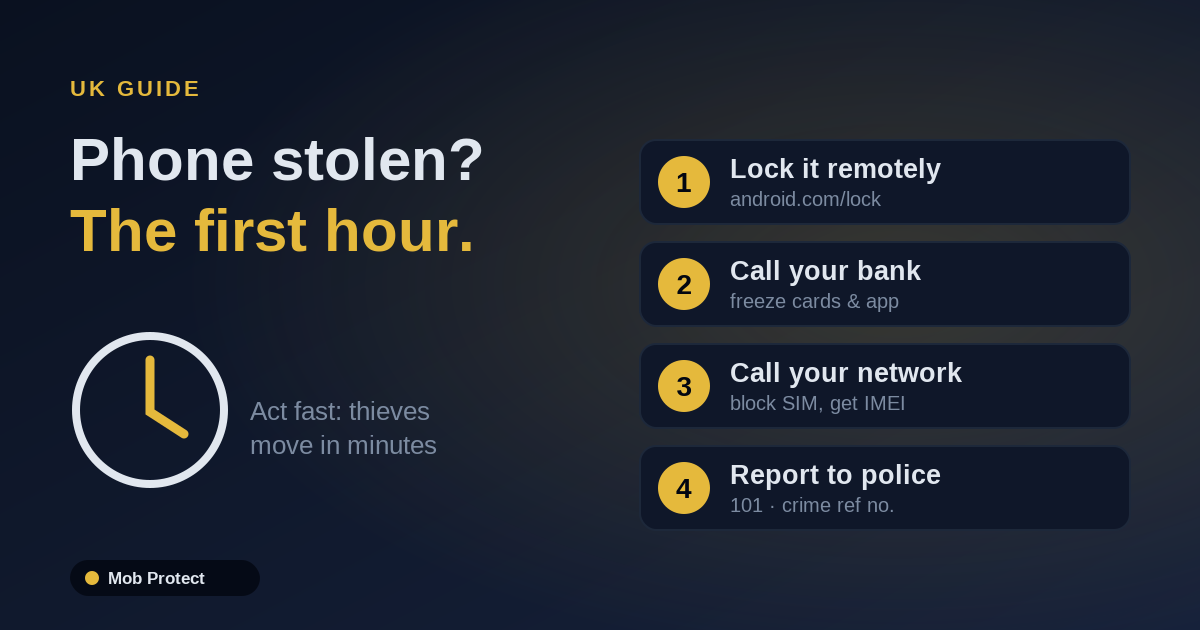
The first hour after a phone theft matters most. Thieves move fast to unlock phones and get into banking and email. Work through these steps in order. Use a friend's phone or a computer if you need to.
1. Lock the phone remotely
On Android, go to android.com/lock from any browser. With Google's Remote Lock switched on, you can lock your phone using just your phone number. Then use Google's Find Hub (find.google.com) to see where the phone is, lock it again or, as a last resort, erase it. Don't go and confront a thief yourself: share the location with the police instead.
2. Protect your money first
Call your bank using the number on the back of your card or on its website, and tell them your phone has been stolen. Ask them to freeze your card and block mobile banking until you've set up a new phone. Do the same for PayPal and any other payment apps. Check recent transactions for anything you don't recognise.
3. Secure your email and Google account
Your email is the key to resetting every other password. Change your Google account password and sign the stolen phone out at myaccount.google.com, under Security, then "Your devices". Then change passwords for your other important accounts, starting with banking, email and social media.
4. Call your mobile network
Tell your network straight away. Citizens Advice says you're usually liable for calls made before you report the loss, and some networks cap this at £100 if you report within 24 hours. Ask the network to block the SIM and the phone, and ask for the phone's IMEI number. You'll need it for the police.
5. Report the theft to the police
Call 101, report online, or visit a police station, and give them the IMEI number. Keep the crime reference number: insurers will ask for it. If you're in danger or the theft is happening now, call 999.
6. Claim on your insurance
Check your phone insurance and your home insurance, which sometimes covers phones away from home. Insurers usually want the crime reference number and the date and time you told your network.
7. Register on Immobilise
Register your phone's details on the Immobilise property register (immobilise.com) so police can return it to you if it's recovered.
How to be ready next time
- Turn on Android's theft protection settings now, before you need them.
- Write down your IMEI. Dial *#06# to see it.
- Set a strong screen lock PIN instead of a simple pattern.
- Keep banking apps behind their own PIN or fingerprint.